Transcribe Audio and Video to Text
Upload your file and get a transcript in minutes.
or drag and drop your file here
(max. 10 hours of recording, 5 GB)
By uploading a file, you agree to our Terms of Use and acknowledge our Privacy Policy.
From Upload to Transcript in 3 Steps
A simple flow that turns your audio or video into text - fast and easy.
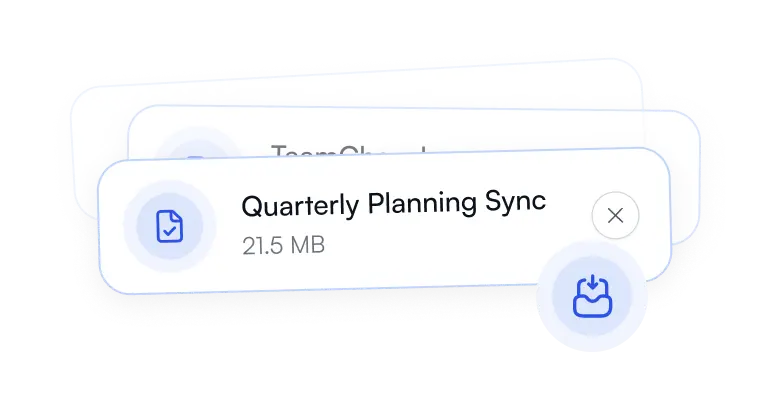
Step 1 - Upload
Drop, record your audio/video here or paste a link to get started.
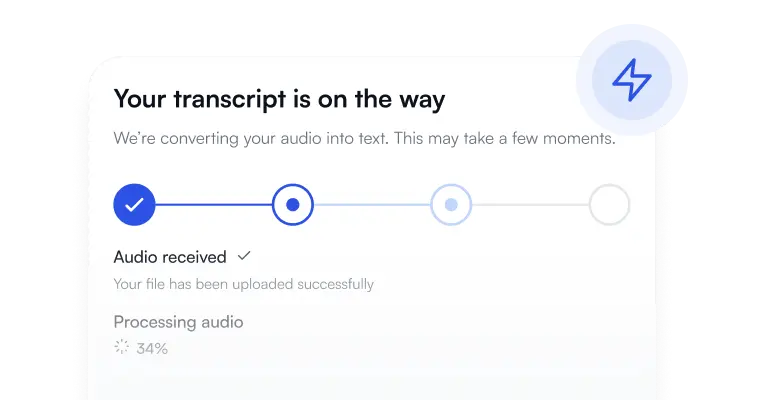
Step 2 - Transcribe
We turn speech into text and format it so it’s easy to skim.
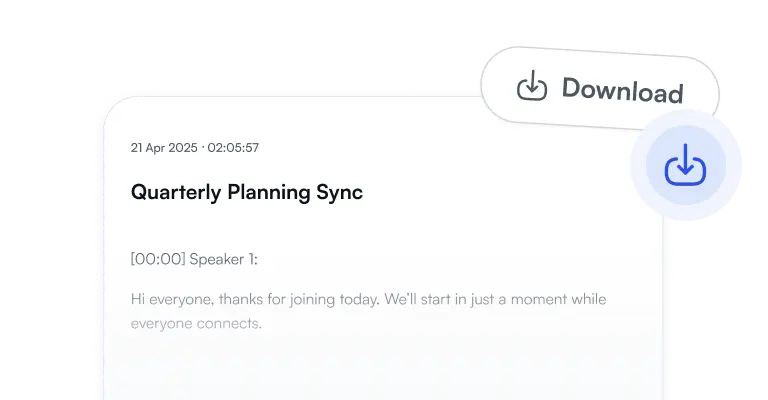
Step 3 - Download
Export as TXT, DOCX, PDF, or subtitles (SRT) when you need captions.
Save Hours on Manual Work
Turn audio and video into clean, editable text — no more rewinding or note-taking.
3×
Fast When You're in a Hurry
Choose a quick mode for rough notes, or go for higher accuracy when details matter.
6h
Works with Long Files
Podcasts, lectures, meetings — bring it on.
10+
Speaker-Friendly
When there are multiple voices, it's easier to follow who said what.
50+
Multilingual
Transcribe in many languages and switch when your content switches.
Frequently Asked Questions
Everything you need to know about the product.
Ready When You Are
Upload your first file and let the rest take care of itself.
- No installs. Works in your browser.
- Transparent plans. Cancel anytime.
- Support when you need a hand.